The Office of Learning Technologies offers several templates to help you build your course. These include a template for online courses as well as templates for face-to-face courses based on the schedule type (1 day, Monday/Wednesday, Tuesday/Thursday, and Monday/Wednesday/Friday).
Note for users of screen readers: Letters in parentheses in the instructions below refer to corresponding areas on example images. If you have any questions about these instructions, contact the Office of Learning Technologies for assistance opens a new website.
Self-Service Option
Learning Technologies has shared our Canvas course templates for 24/7 self-service imports available in the Canvas Commons for all instructors. Follow the directions linked below to access and import the desired Learning Technologies Course Template item.
View the Self-Service Option Instructions
Template Request Option
Alternatively, instructors can request for a template or specific components of a template be copied to their course by a technologist. To request a template copy, complete the form below.
Template Components
All templates include the following standard components.
-
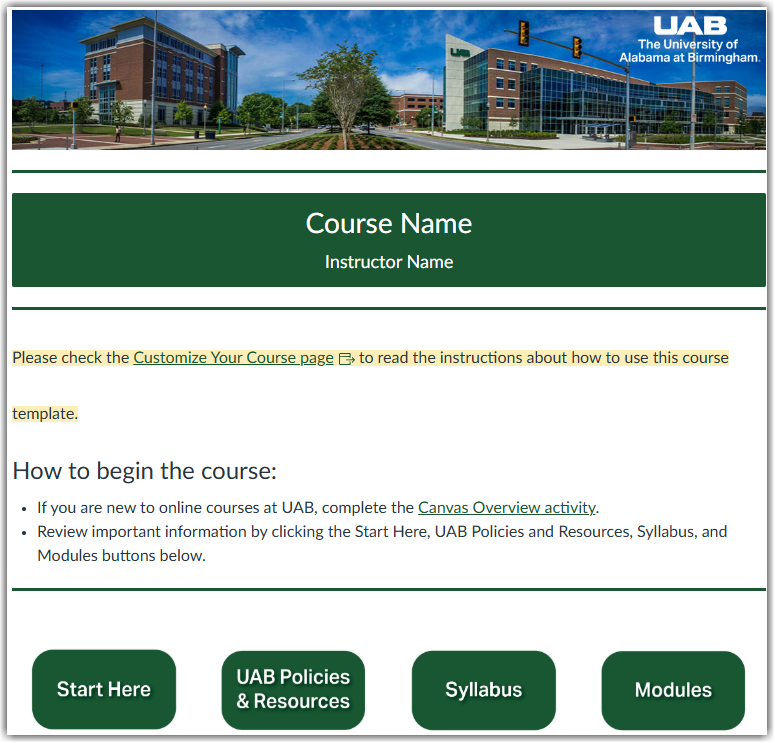
Course Home Page
This is the landing page of your course. It contains information on how to begin that include syllabus instructions, link to a Canvas Overview activity, as well as buttons linked to the UAB Policies and Resources module, Syllabus, and Modules page.
-
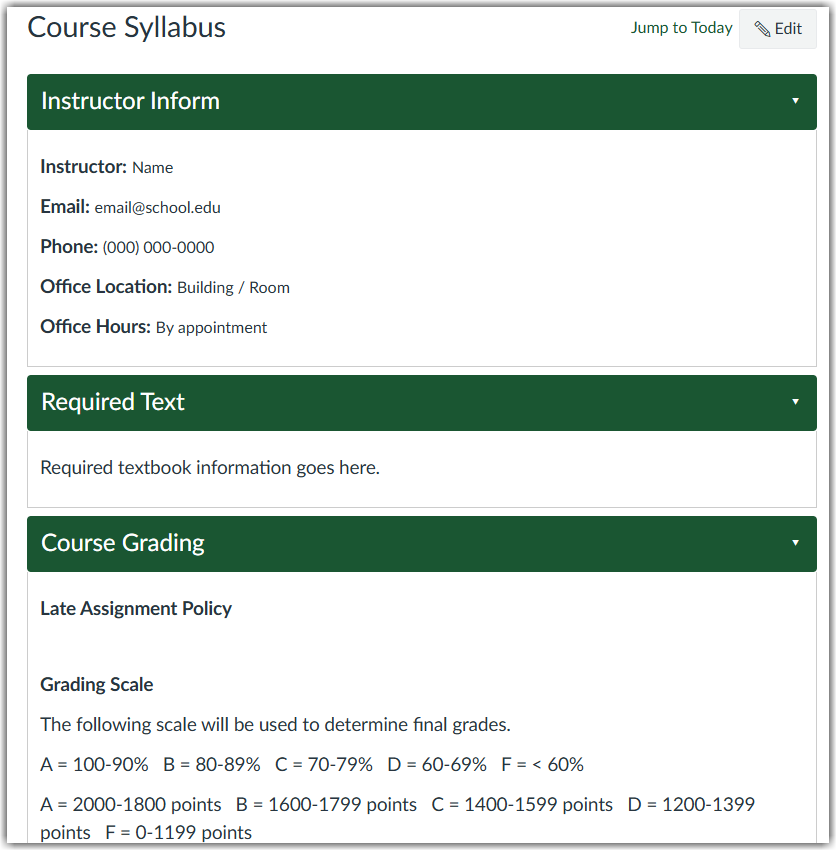
Syllabus Page
If you are using the Canvas Syllabus tool, the Syllabus page includes a short template that can be edited by the instructor. If using Simple Syllabus, the Syllabus link in the menu will open to your Simple Syllabus.
-
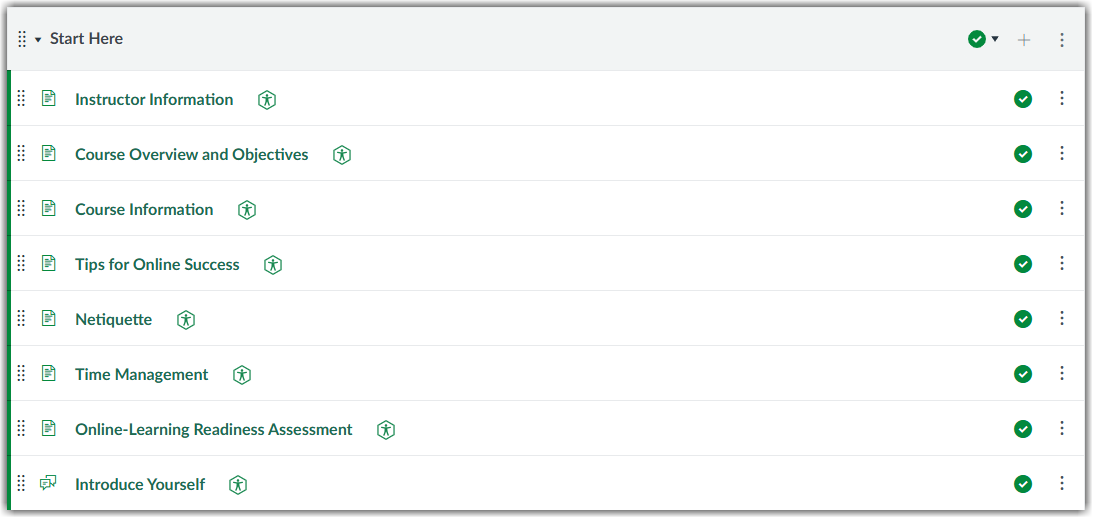
Start Here Module
Contains editable pages to guide you through introducing your students to the course and establishing instructor presence by introducing yourself. This module also contains interactive introductions to netiquette, tips for online success, an online-readiness assessment, and time-management activity.
-
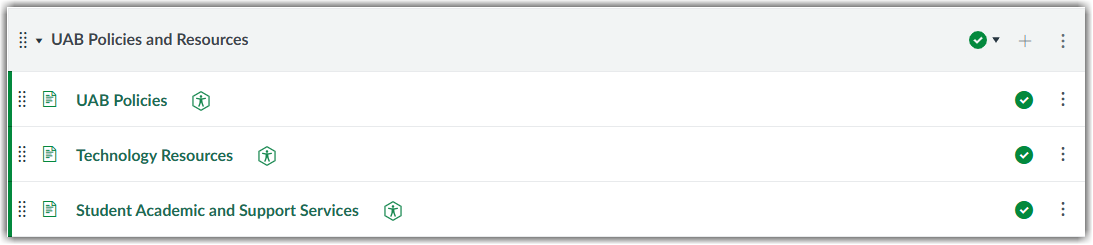
UAB Policies and Resources Module
Contains required UAB policies such as Title IX, Disability Support Services (DSS), as well as technology resources, and instructions on course withdrawal.
-
Module Structure
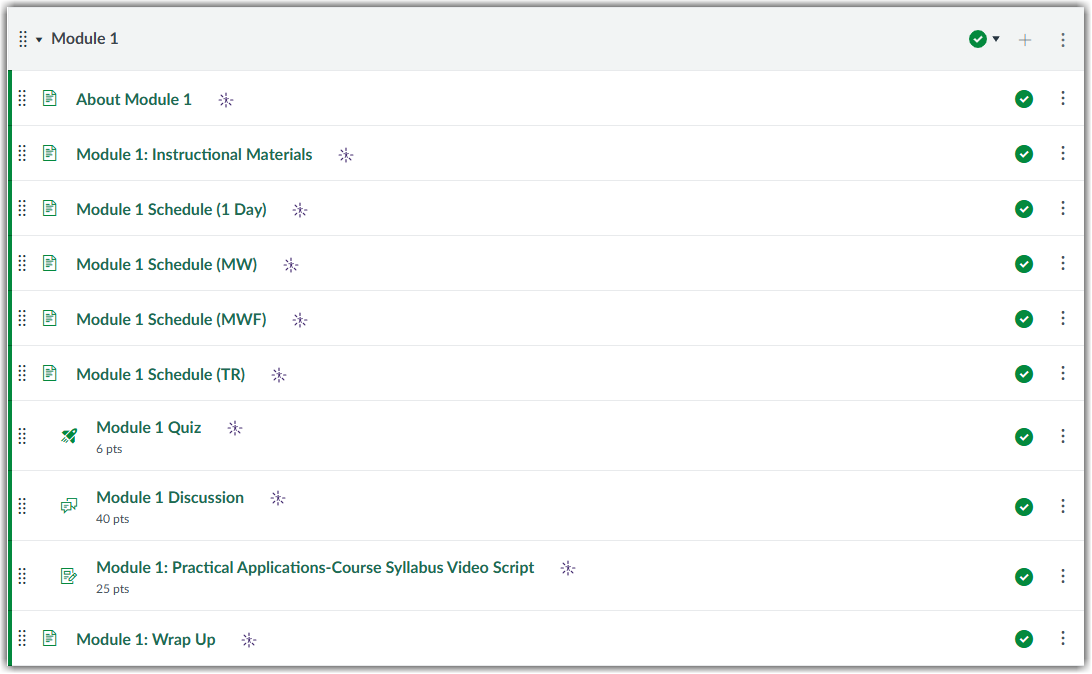
There's one customizable content module that can be duplicated according to your course needs. It contains a module overview, instructional materials page, a schedule page (for course templates other than online-only), a sample quiz, a sample assignment, a discussion board, and a module wrap-up page. Additionally, you'll find sample content and hyperlinked guides highlighted in yellow to help you build and organize module content.
Request Learning Technologies Template
Answer the questions below to request the Learning Technologies template be placed into your course or sandbox.