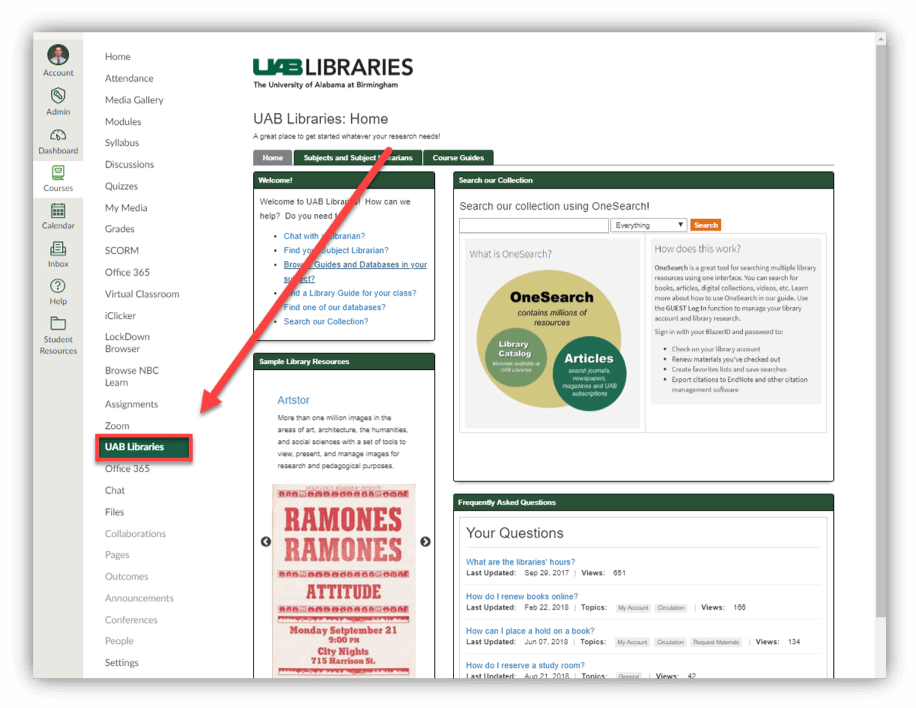
Instructors can enable the Library Guides navigation tab in their course and the library content displayed in that tab will automatically be curated.
If UAB libraries is not enabled in your course follow these directions:
- Navigate to the desired Course.
- Go to the course Settings.
- Click the Navigation tab at the top
- Locate and enable UAB libraries by dragging it to the list at the top or by clicking the three dots and choosing Enable.
- Finally, scroll down to the bottom and click Save.
By default, each guide will be directed to a default Library Guide. If the course has a specific curated guide it will be displayed in its place. If you would like a specific guide created to be linked to your course, please contact